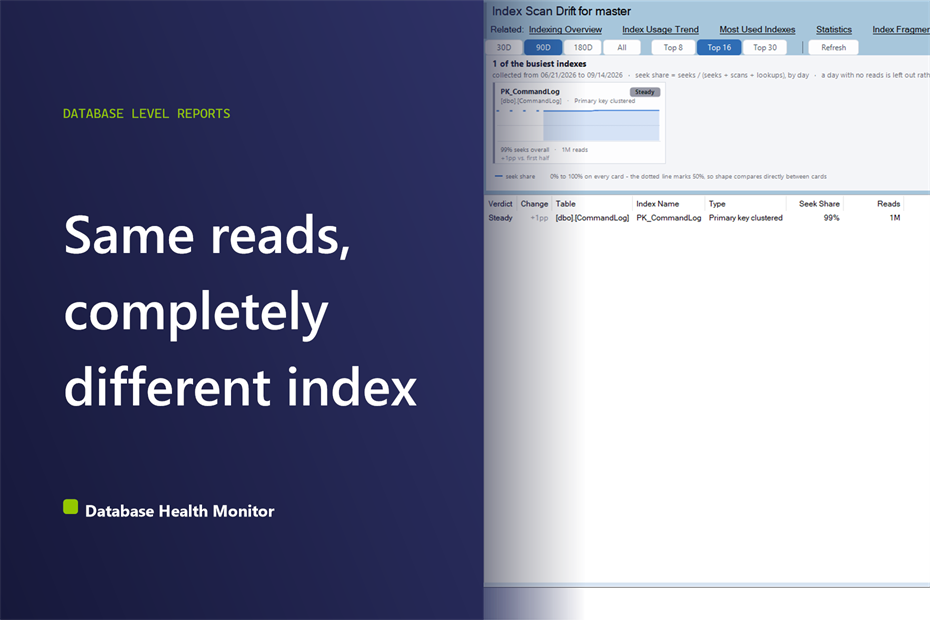
SQL Server Seek vs Scan: Why a Flat Read Count Lies
A flat read count can hide an index sliding from seeks to scans. Here is how the SQL Server seek vs scan ratio exposes it before queries slow down.
A flat read count can hide an index sliding from seeks to scans. Here is how the SQL Server seek vs scan ratio exposes it before queries slow down.

When a query filters a large table on a range, like a date window, and no index supports that range, SQL Server scans the table. Put that scan inside a subquery that gets joined to other inputs, and a query that should take seconds can run for hours. In a recent case, one covering index took a query from almost two hours in the worst case down to about four seconds. What is an unindexed range predicate? A range predicate …
Database Health Monitor 4.1626 adds an Index Consolidation Plan with a rollback script, reports for Service Broker, data protection and Analysis Services, and an opt-in read-only web dashboard.
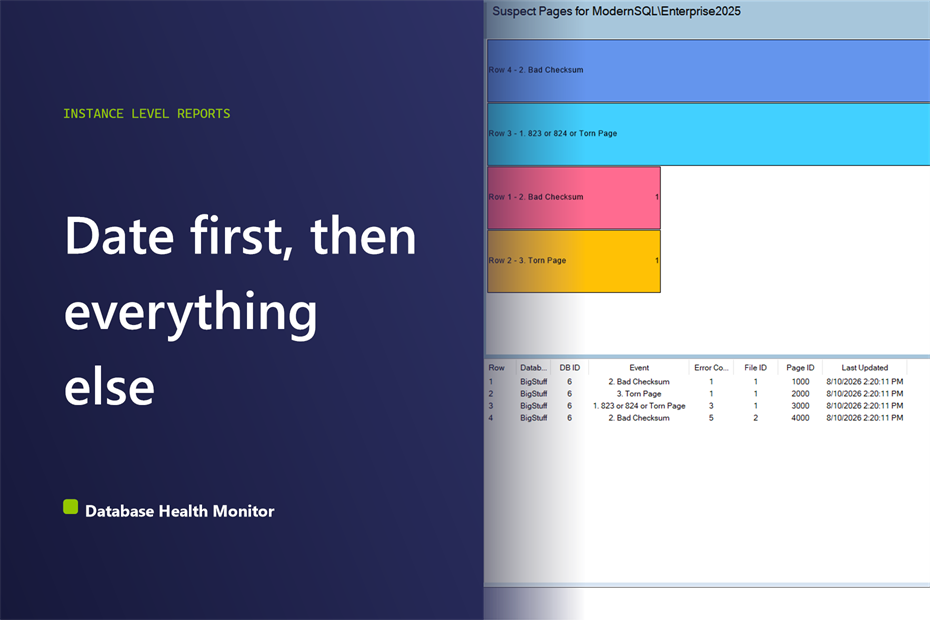
A walkthrough of the Suspect Pages report and the msdb suspect_pages table behind it: which column to read first, and how to spot a page still failing.
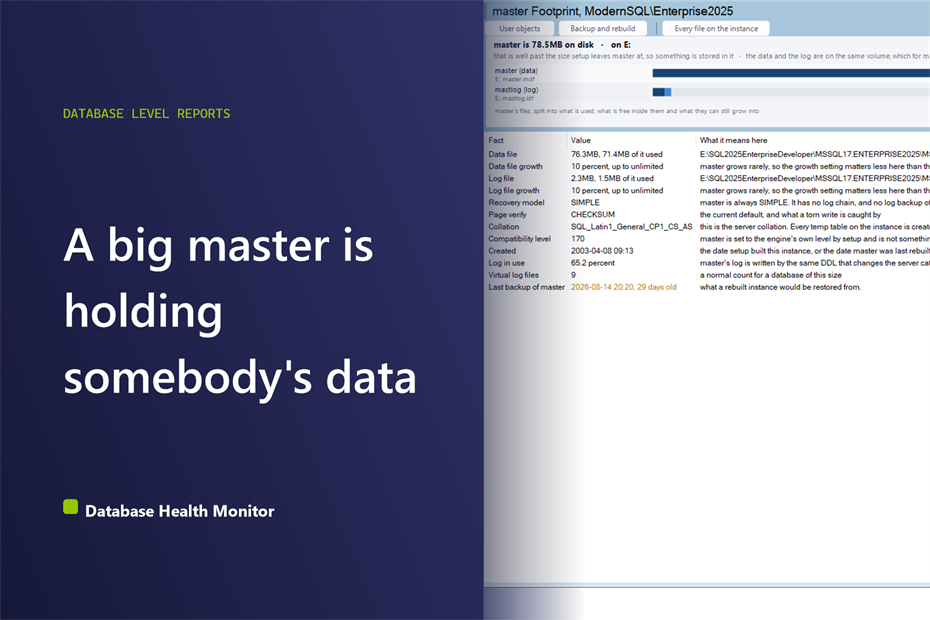
How big should master be? A few megabytes is normal. Anything larger holds somebody’s data. See what the size means and what to check next.
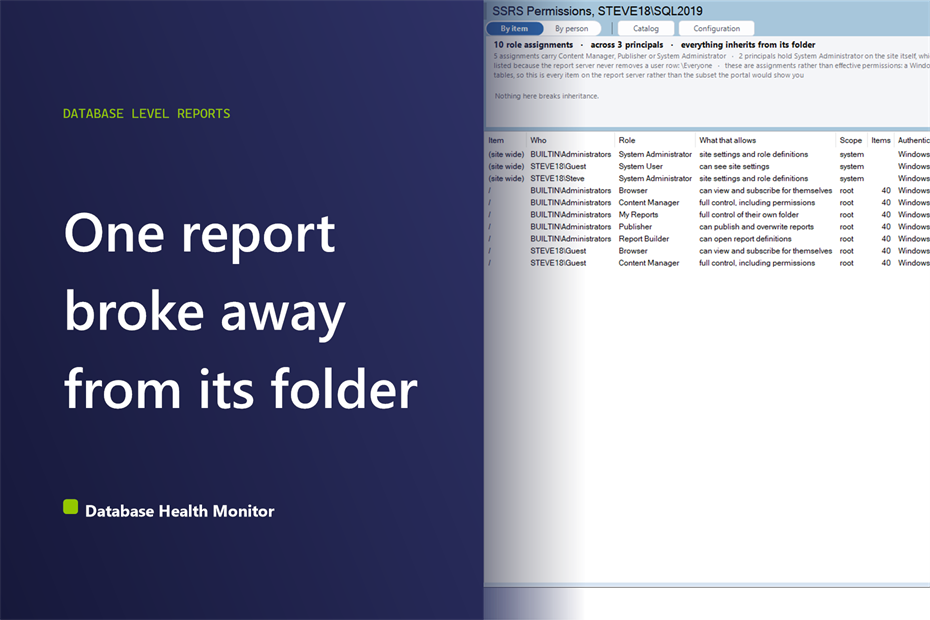
Who can see SSRS reports on your server? Find the items that broke inheritance, the hidden Content Managers and the users who left, straight from the catalog.

Version 4.1625 adds 29 reports, 12 built-in alerts plus custom T-SQL alerts, a rebuilt performance dashboard, sensitive data discovery and 934 fixes. Here is the complete tour, report by report.
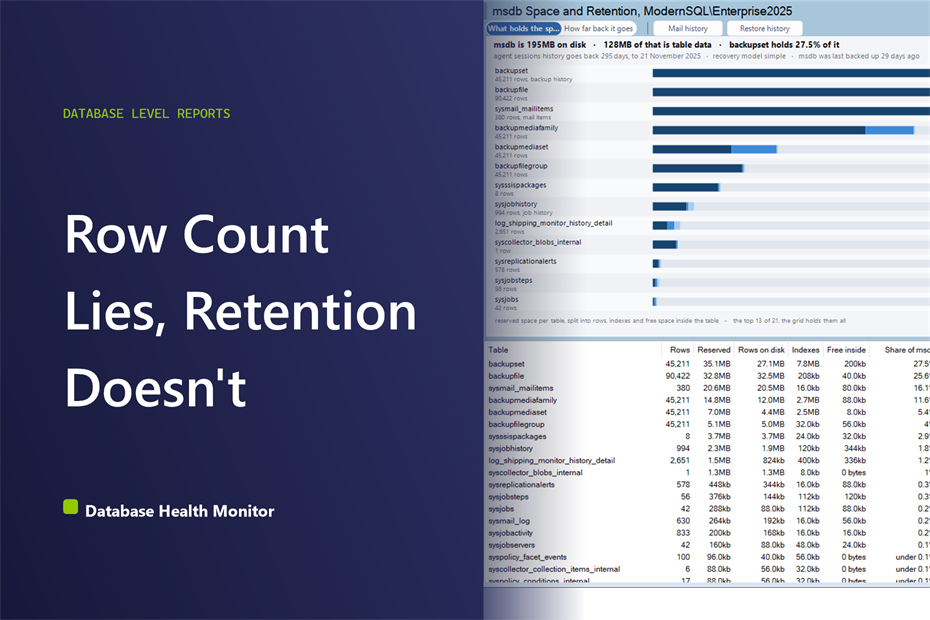
msdb is too big because backup history, job history, and mail logs pile up forever. See what’s filling it and how many days each source holds.
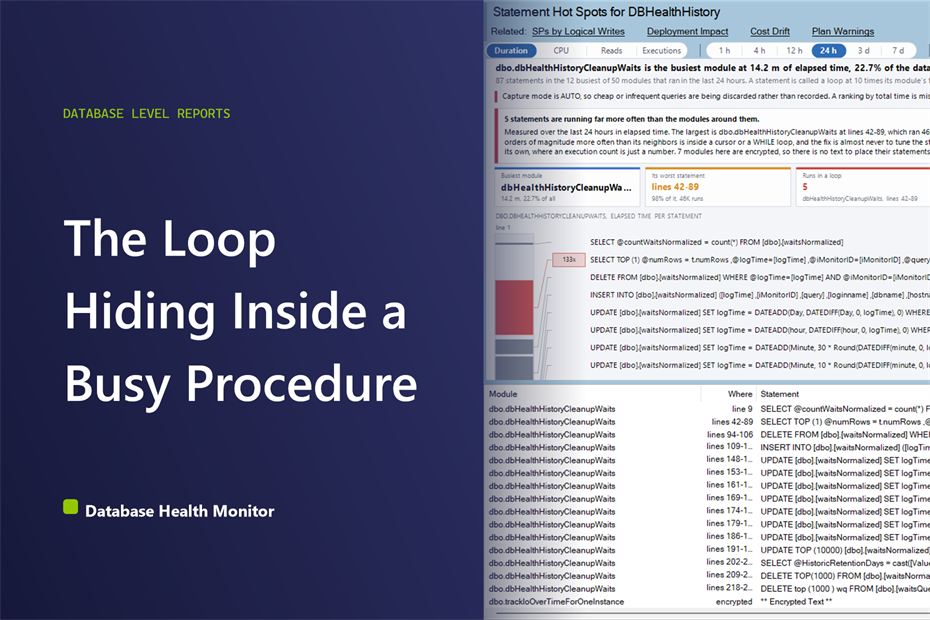
Spot the statement inside a loop running thousands of times inside a busy procedure, using Query Store data compared within its own module.
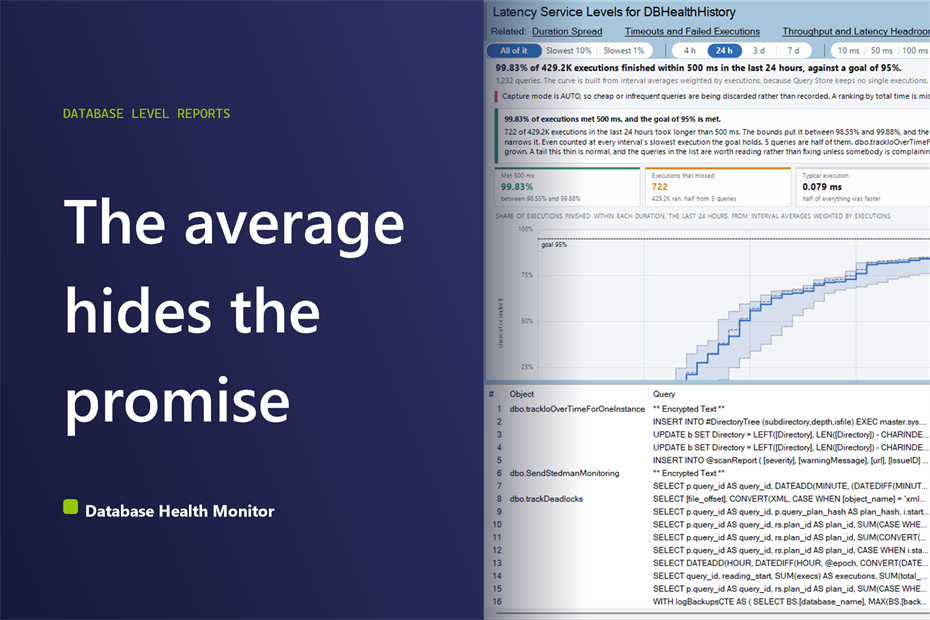
Your SQL Server response time target means nothing until you can see what share of executions actually meet it, and which queries don’t.
We are ready to help. Steve and the team at Stedman Solutions are here to help with your SQL Server needs. Get help today by contacting Stedman Solutions through the free 30 minute consultation form.
Contact Info for
Stedman Solutions, LLC.
PO Box 3175, Ferndale WA 98248,
Phone: (360)610-7833
Our Privacy Policy