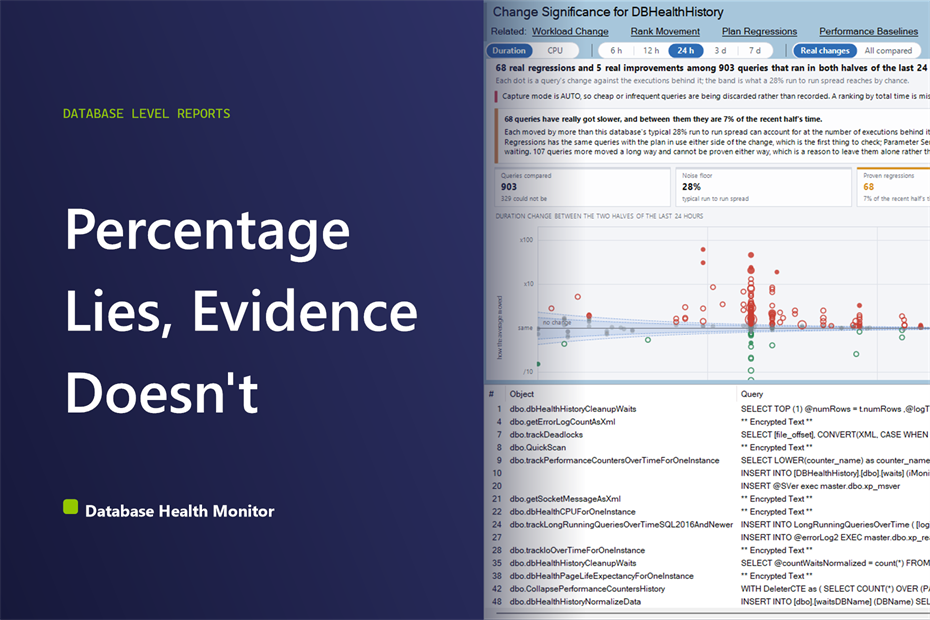
Is a SQL Server Query Regression Statistically Significant?
See whether it is a SQL Server query regression statistically significant, or just noise from Query Store, before you tune anything.
See whether it is a SQL Server query regression statistically significant, or just noise from Query Store, before you tune anything.

In the digital era, a robust disaster recovery plan focusing on data backup and restore is more crucial than ever. A simple error, hardware failure, or a crippling cyber-attack could spell disaster for your invaluable SQL Server data. Businesses that rely heavily on data face the most substantial risks. Stedman’s SQL Server Backup and Recovery Course is here to offer a comprehensive solution to these challenges. Read on to learn how this course provides a bulletproof strategy for safeguarding your …
Mastering Disaster Recovery with Our SQL Server Backup and Restore Course Read more →
Database Health Monitor 4.1540 adds a 25 report Query Store suite, a 15 report SSRS suite, 23 new Azure SQL Health Monitor reports, 25 new features and 515 bug fixes. Here is what changed and why it matters.
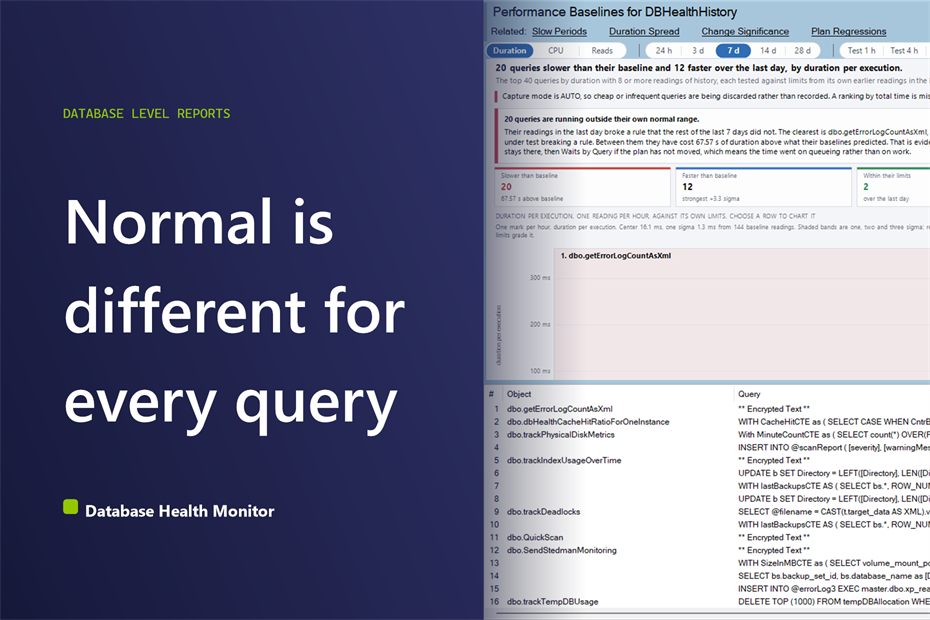
Is this query slower than normal? Learn how per-query limits from Query Store history separate a real slowdown from ordinary wobble.
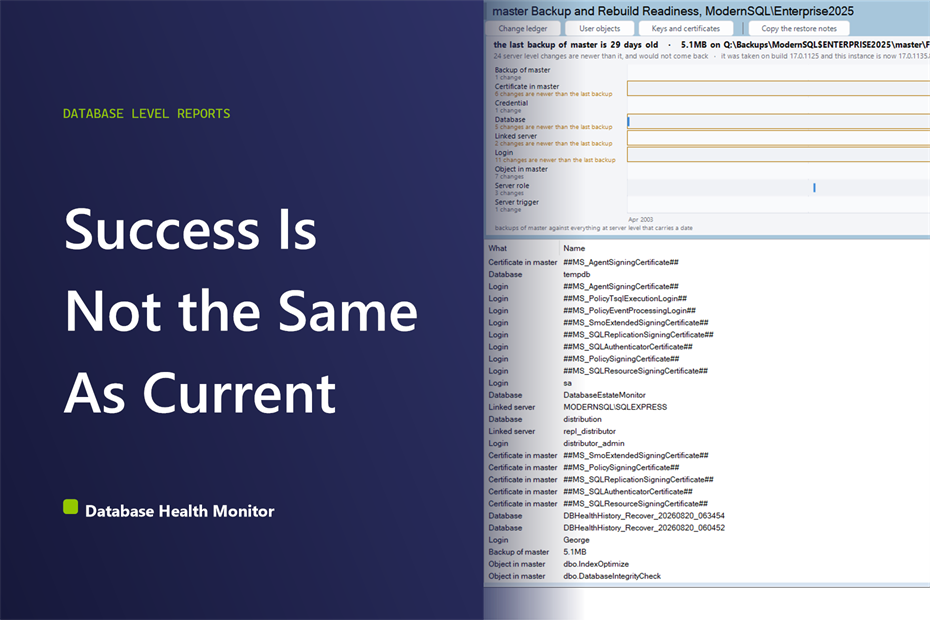
A master backup out of date can pass every check and still miss logins, role grants, and linked servers created since it ran. Here’s how to see the gap.
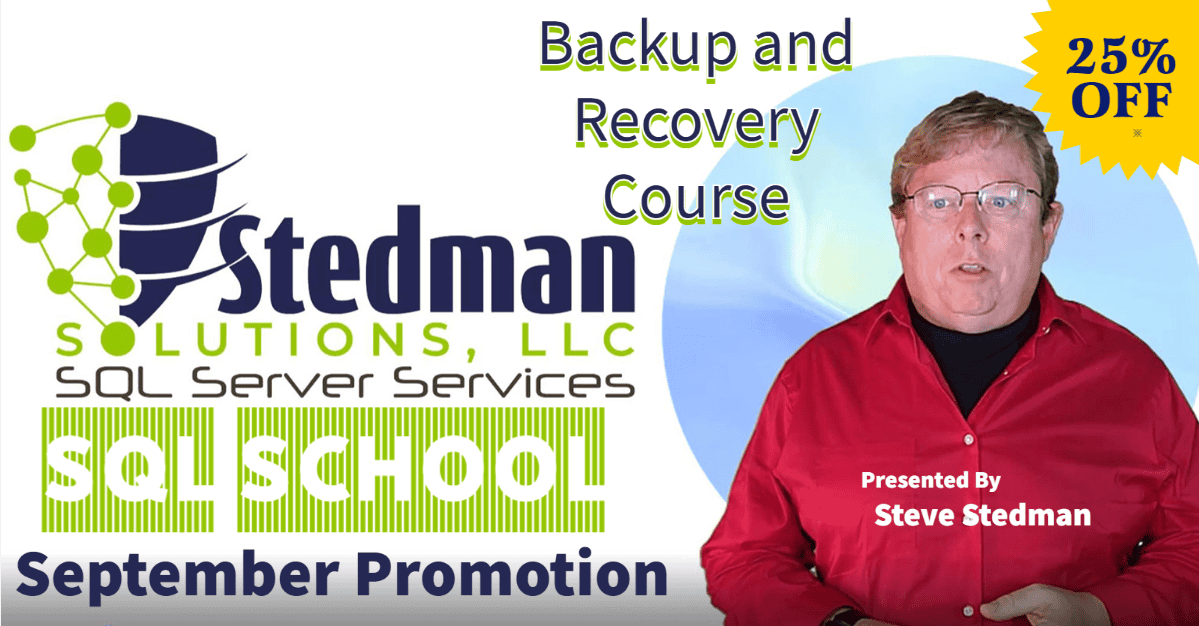
Hello! Steve Stedman here. Today, I’d like to emphasize the critical importance of maintaining the health of your SQL Server database through an unshakeable backup and recovery plan. Why? Because in our data-driven world, the absence of a comprehensive backup strategy can spell disaster for your organization. This is precisely why I’ve designed a specialized Backup and Recovery Course for SQL Server, and I am thrilled to shaer a limited-time 25% discount on this indispensable resource. The Importance of Backup …
Database Health Monitor and Azure SQL Health Monitor, Version 4.1517 This release adds ninety new reports, a drill-through navigation layer that connects them, actions that carry a fix from one instance to the rest of the estate, and a large pass over silent failures. If you knew the symptom but not the page, or fixed one server and then had to repeat the fix by hand on the other twelve, this release is aimed at you. 90 New Reports Three new …
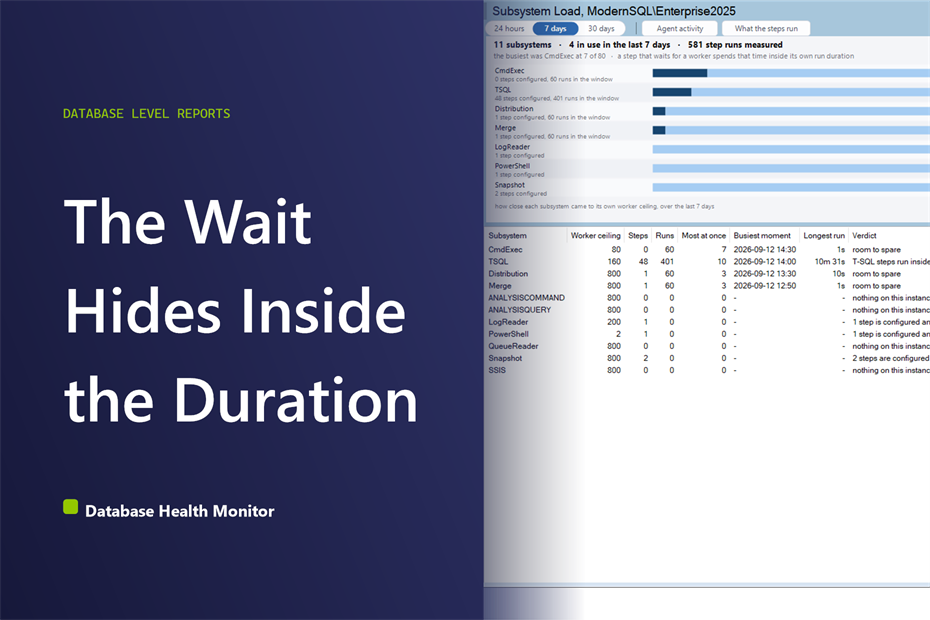
A job slow when others run isn’t a broken package. See how Database Health Monitor’s Subsystem Load report finds the Agent worker limit causing it.
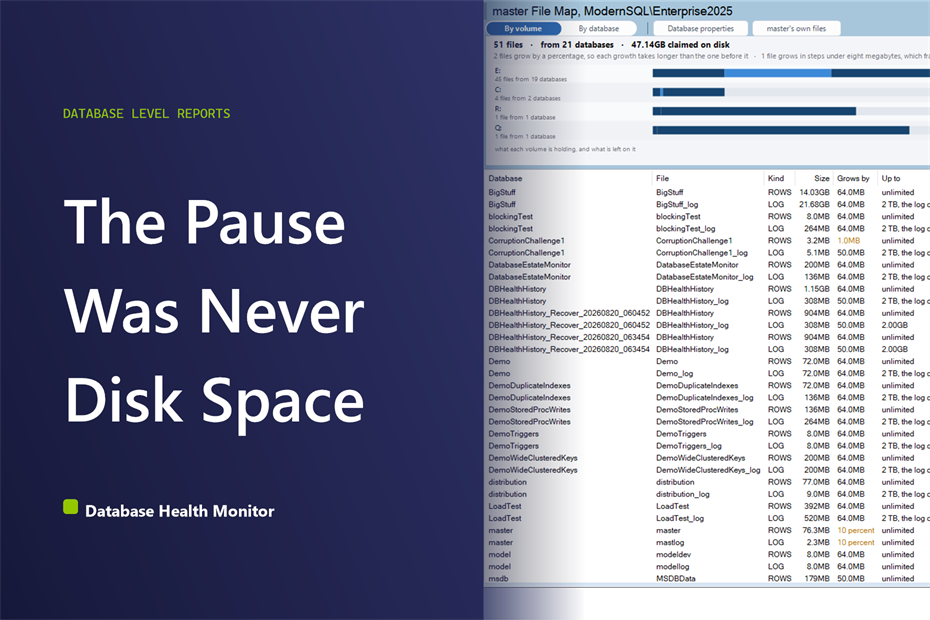
Autogrowth in percent compounds: every growth event takes longer than the last. Here’s how to spot it and fix it before it slows down SQL Server.
SQL Server technical debt turns messy T-SQL into a weighted score and a cost estimate, so you know which procedure to fix first.
We are ready to help. Steve and the team at Stedman Solutions are here to help with your SQL Server needs. Get help today by contacting Stedman Solutions through the free 30 minute consultation form.
Contact Info for
Stedman Solutions, LLC.
PO Box 3175, Ferndale WA 98248,
Phone: (360)610-7833
Our Privacy Policy